See llms.txt for all machine-readable content.

Google Sheets and Route4Me integration

Save yourself the work of writing custom integrations for Google Sheets and Route4Me and use n8n instead. Build adaptable and scalable Data & Storage, Productivity, workflows that work with your technology stack. All within a building experience you will love.

How to connect Google Sheets and Route4Me

Create a new workflow and add the first step

In n8n, click the "Add workflow" button in the Workflows tab to create a new workflow. Add the starting point – a trigger on when your workflow should run: an app event, a schedule, a webhook call, another workflow, an AI chat, or a manual trigger. Sometimes, the HTTP Request node might already serve as your starting point.

Google Sheets and Route4Me integration: Create a new workflow and add the first step

One-way sync between Telegram, Notion, Google Drive, and Google Sheets

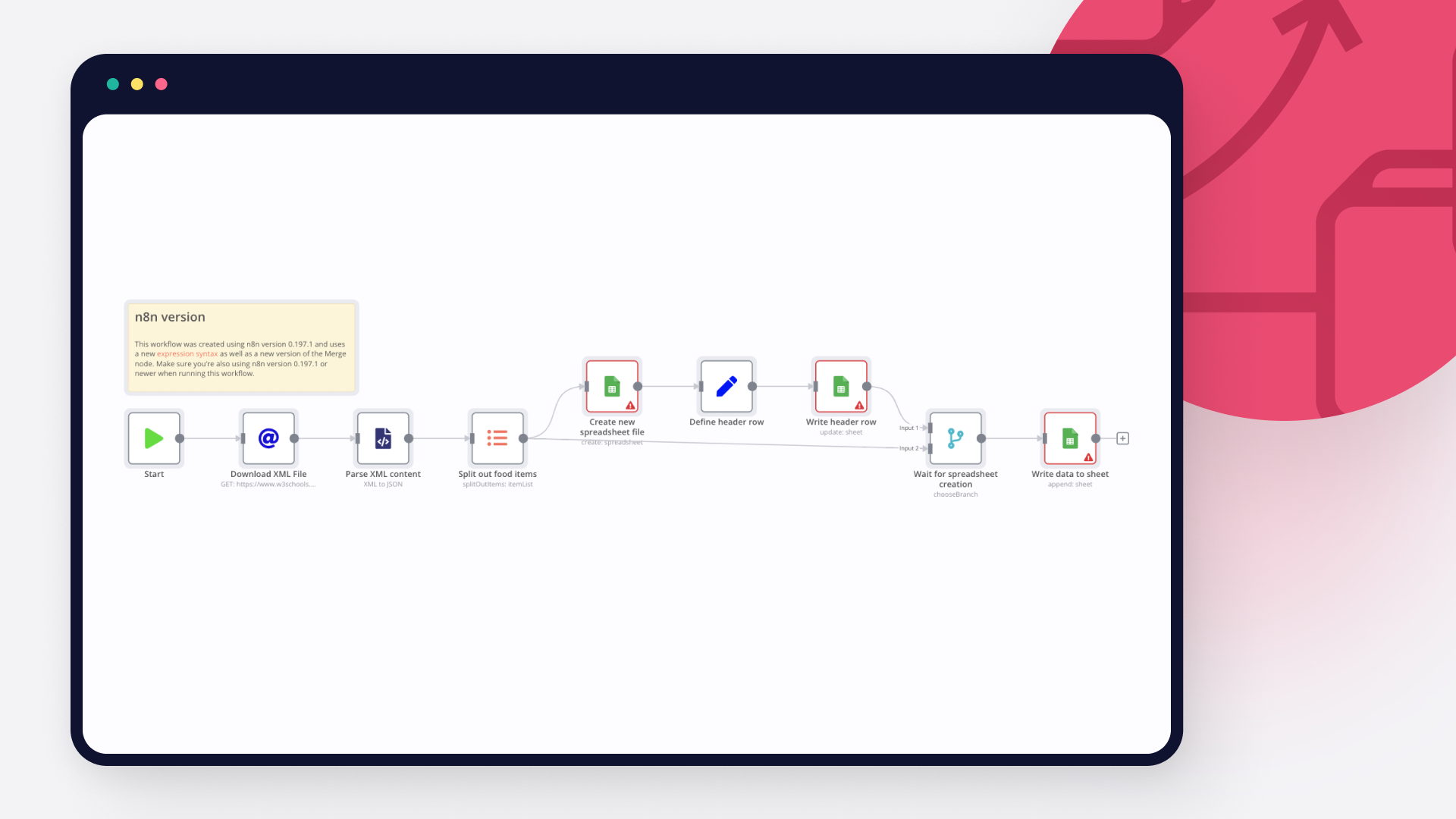
One-way sync between Telegram, Notion, Google Drive, and Google Sheets Who is this for? This workflow is perfect for productivity-focused teams, remote workers, virtual assistants, and digital knowledge managers who receive documents, images, or notes through Telegram and want to automatically organize and store them in Notion, Google Drive, and Google Sheets—without any manual work. What problem is this workflow solving? Managing Telegram messages and media manually across different tools like Notion, Drive, and Sheets can be tedious. This workflow automates the classification and storage of incoming Telegram content, whether it’s a text note, an image, or a document. It saves time, reduces human error, and ensures that media is stored in the right place with metadata tracking. What this workflow does Triggers on a new Telegram message using the Telegram Trigger node. Classifies the message type using a Switch node: Text messages are appended to a Notion block. Images are converted to base64, uploaded to imgbb, and then added to Notion as toggle-image blocks. Documents are downloaded, uploaded to Google Drive, and the metadata is logged in Google Sheets. Sends a completion confirmation back to the original Telegram chat. Setup Telegram Bot: Set up a bot and get the API token. Notion Integration: Share access to your target Notion page/block. Use the Notion API credentials and block ID where content should be appended. Google Drive & Sheets: Connect the relevant accounts. Select the destination folder and spreadsheet. imgbb API: Obtain a free API key from imgbb. Replace placeholder credential IDs and asset URLs as needed in the imported workflow. How to customize this workflow to your needs Change Storage Locations: Update the Notion block ID or Google Drive folder ID. Switch Google Sheet to log in a different file or sheet. Add More Filters: Use additional Switch rules to handle other Telegram message types (like videos or voice messages). Modify Response Message: Personalize the Telegram confirmation text based on the file type or sender. Use a different image hosting service if you don’t want to use imgbb.

Build your own Google Sheets and Route4Me integration

Create custom Google Sheets and Route4Me workflows by choosing triggers and actions. Nodes come with global operations and settings, as well as app-specific parameters that can be configured. You can also use the HTTP Request node to query data from any app or service with a REST API.

Google Sheets supported actions

Supported API Endpoints for Route4Me

To set up Route4Me integration, add the HTTP Request node to your workflow canvas and authenticate it using a generic authentication method. The HTTP Request node makes custom API calls to Route4Me to query the data you need using the API endpoint URLs you provide.

These API endpoints were generated using n8n

n8n AI workflow transforms web scraping into an intelligent, AI-powered knowledge extraction system that uses vector embeddings to semantically analyze, chunk, store, and retrieve the most relevant API documentation from web pages. Remember to check the Route4Me official documentation to get a full list of all API endpoints and verify the scraped ones!

Google Sheets and Route4Me integration details

Google Sheets

Google Sheets is a web-based spreadsheet program offered by Google for free. It similar to Microsoft Excel, and can be accessed anywhere on any device, you only need a Google account.

Route4Me

Route4Me is a route optimization software that helps businesses streamline their delivery routes. It provides real-time tracking, efficient planning, and enables businesses to save time, reduce fuel costs, and improve customer satisfaction.
Other integrations with Google Sheets and Route4Me

FAQ about Google Sheets integrations

Need help setting up your Google Sheets and Route4Me integration?

Discover our latest community's recommendations and join the discussions about Google Sheets and Route4Me integration.

  • sw2025

    Is the Google Sheets Node not working for anyone else (not a newbie)?

    sw2025

    Not a newbie to n8n - Have successfully used the G-sheets nodes many times in the past with the same credentials, never an issue. Today I’m trying to create a new automation that requires using the G-Sheets nodes - cann…

    Open topic
  • Tenzin Nyima 10B15

    How to Update Multiple Rows in Google Sheets at Once in n8n?

    Tenzin Nyima 10B15

    Hi everyone I’m currently learning n8n and experimenting with Google Sheets automation. I’ve set up a workflow (screenshot attached) that includes: Trigger: “When chat message received” AI Agent connected to: Goog…

    Open topic
  • Sergey Komardenkov

    Google Sheets Action is not picking up a list of available Sheets despite seeing the document itself

    Sergey Komardenkov

    Describe the problem/error/question I am testing a workflow where the final action is addition of a row into a Google sheet. I have created a new sheet, I gave it Edit permissions by link just in case, and of course I ad…

    Open topic
  • Filbert Henrico

    Seeking help to look for Pivot table or any formula operation in Google Sheet

    Filbert Henrico

    Hi there, I am using free service in n8n and I am looking for a support to provide information whether there is an option for pivot table or vlookup formula in the operation section for google sheet? Is it something th…

    Open topic
  • Boba228ai

    Switch Node with Google Doc File Problem

    Boba228ai

    Hello everyone! I set up workflow file transfer in supabase. Google Drive trigger receives file data, transfers it to switch, it determines what kind of file it is (google sheet, google doc, pdf) and then transfers it to…

    Open topic

Looking to integrate Slack and VirusTotal in your company?

Three colleagues talking around laptops at a shared desk

Trusted by teams building smarter workflows.

Why

Why use n8n to integrate Google Sheets with Route4Me

Handle branching, merging and iteration easily. Pause your workflow to wait for external events.

Re-run single steps to test changes in no time. And pin your data to avoid generating trigger events every time you execute.

Your data is displayed alongside your settings, making edge cases easy to track down.

Use 1000+ workflow templates available from our core team and our community.

Copy and paste, easily import and export workflows.

Simple enough to 
understand + sophisticated 
enough to ship

Man in a brown jacket working at his desk by a window