See llms.txt for all machine-readable content.

Twilio and Verifalia integration

Save yourself the work of writing custom integrations for Twilio and Verifalia and use n8n instead. Build adaptable and scalable Communication, Development, workflows that work with your technology stack. All within a building experience you will love.

How to connect Twilio and Verifalia

Create a new workflow and add the first step

In n8n, click the "Add workflow" button in the Workflows tab to create a new workflow. Add the starting point – a trigger on when your workflow should run: an app event, a schedule, a webhook call, another workflow, an AI chat, or a manual trigger. Sometimes, the HTTP Request node might already serve as your starting point.

Twilio and Verifalia integration: Create a new workflow and add the first step

Google Calendar automated notifications with email, SMS & analytics dashboard

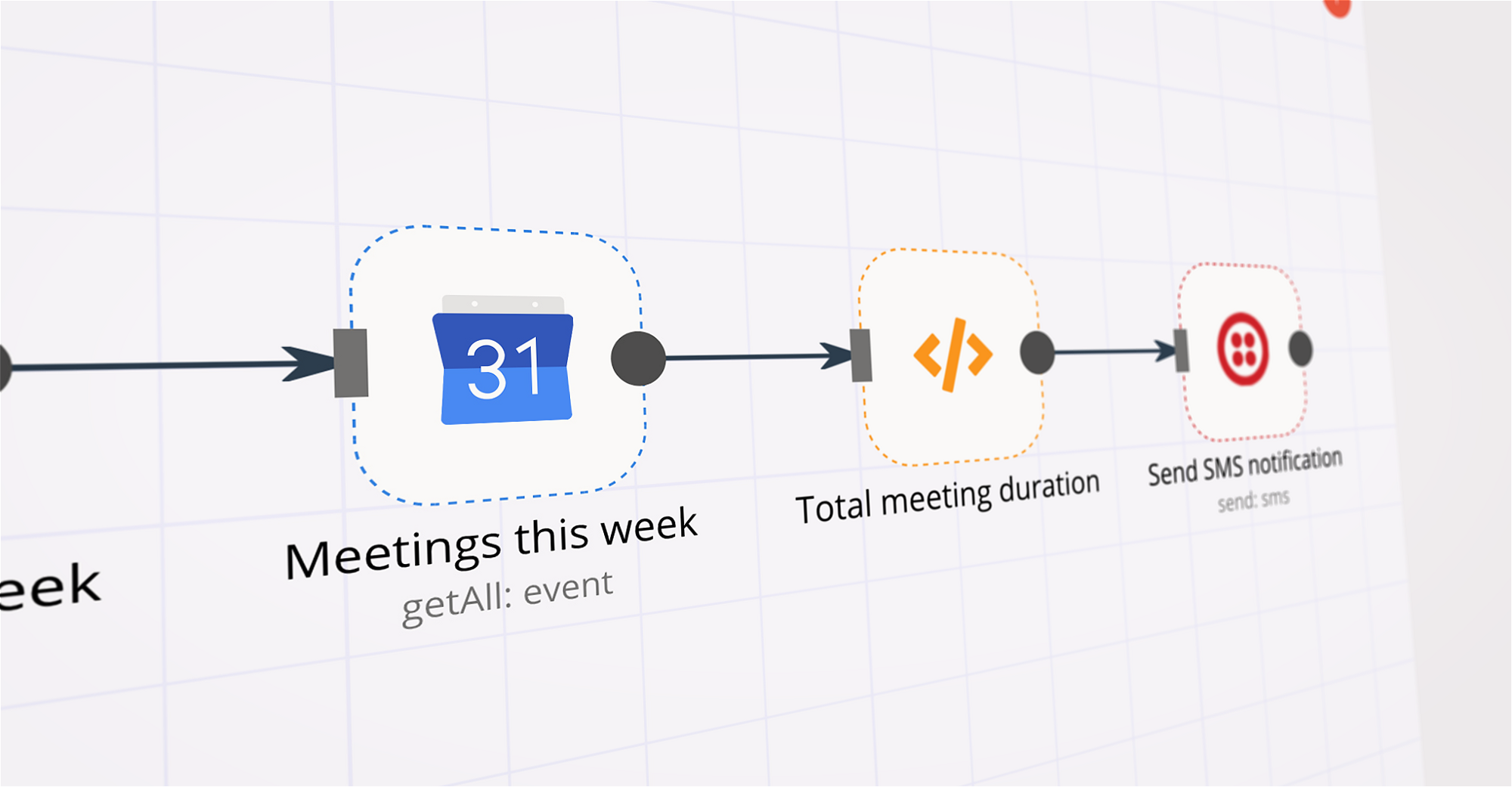
Automatically turn your Google Calendar into a fully-automated notification system with email alerts, SMS reminders, and a live performance dashboard - all powered by n8n. This automation helps you never miss an event, while giving you clear visibility into what notifications were sent, when, and how reliably they ran. What This Automation Does This solution is built as 4 connected workflows that run on a schedule and work together: 1. Daily Email Summary (Morning) Every morning, the workflow: Reads today’s events from Google Calendar Formats them into a clean email Sends a daily schedule summary via Mailchimp or SendGrid 2. Daily SMS Summary Shortly after, it: Sends a concise SMS overview of today’s meetings using Twilio 3. 15-Minute Event Reminders Before each event: Sends an individual SMS reminder Skips all-day events automatically 4. Weekly Schedule Preview Every Sunday: Sends a week-ahead summary so you can plan in advance Live Reporting & Dashboard All workflow activity is logged automatically into Google Sheets, which powers a real-time analytics dashboard showing: Number of notifications sent Success vs failure rates Daily and weekly execution stats Visual charts powered by Chart.js No manual tracking needed, everything updates automatically. How the Workflow Is Structured The automation is grouped into 3 clear sections: Section 1: Calendar Data Collection Pulls events from Google Calendar Filters relevant meetings Prepares clean event data Section 2: Notifications & Messaging Formats emails and SMS messages Sends reminders and summaries Handles scheduling logic Section 3: Logging & Reporting Saves every execution to Google Sheets Updates daily stats automatically Feeds the live dashboard SUPPORT & FEEDBACK Questions or issues? Connect with me on LinkedIn Want to see it in action? Try the live report demo: Click here

Popular ways to use the Twilio and Verifalia integration

Build your own Twilio and Verifalia integration

Create custom Twilio and Verifalia workflows by choosing triggers and actions. Nodes come with global operations and settings, as well as app-specific parameters that can be configured. You can also use the HTTP Request node to query data from any app or service with a REST API.

Twilio supported actions

Supported methods for Verifalia

Delete
Get
Head
Options
Patch
Post
Put

To set up Verifalia integration, add the HTTP Request node to your workflow canvas and authenticate it using a generic authentication method. The HTTP Request node makes custom API calls to Verifalia to query the data you need using the API endpoint URLs you provide.

Requires additional credentials set up

Use n8n's HTTP Request node with a predefined or generic credential type to make custom API calls.

Twilio and Verifalia integration details

Twilio

Twilio is a Customer Engagement Platform that helps you engage customers, personalize your relationship with them, and make them feel privileged. Customers prefer Twilio because it empowers them with personalized campaigns, ease of use, and make their customers happy.

Verifalia

Verifalia is an online email validation service that verifies the deliverability of email addresses. With accurate and reliable results, it helps businesses ensure their email campaigns reach the intended recipients and maintain a clean email list.

Other integrations with Twilio and Verifalia

Save engineering resources

Reduce time spent on customer integrations, engineer faster POCs, keep your customer-specific functionality separate from product all without having to code.

Learn more

FAQ about Twilio integrations

Looking to integrate Slack and VirusTotal in your company?

Three colleagues talking around laptops at a shared desk

Trusted by teams building smarter workflows.

Why

Why use n8n to integrate Twilio with Verifalia

Handle branching, merging and iteration easily. Pause your workflow to wait for external events.

Re-run single steps to test changes in no time. And pin your data to avoid generating trigger events every time you execute.

Your data is displayed alongside your settings, making edge cases easy to track down.

Use 1000+ workflow templates available from our core team and our community.

Copy and paste, easily import and export workflows.

Simple enough to 
understand + sophisticated 
enough to ship

Man in a brown jacket working at his desk by a window