
See llms.txt for all machine-readable content.

Jira Software and Mixpanel integration

Save yourself the work of writing custom integrations for Jira Software and Mixpanel and use n8n instead. Build adaptable and scalable Development, Productivity, workflows that work with your technology stack. All within a building experience you will love.

How to connect Jira Software and Mixpanel

Create a new workflow and add the first step

In n8n, click the "Add workflow" button in the Workflows tab to create a new workflow. Add the starting point – a trigger on when your workflow should run: an app event, a schedule, a webhook call, another workflow, an AI chat, or a manual trigger. Sometimes, the HTTP Request node might already serve as your starting point.

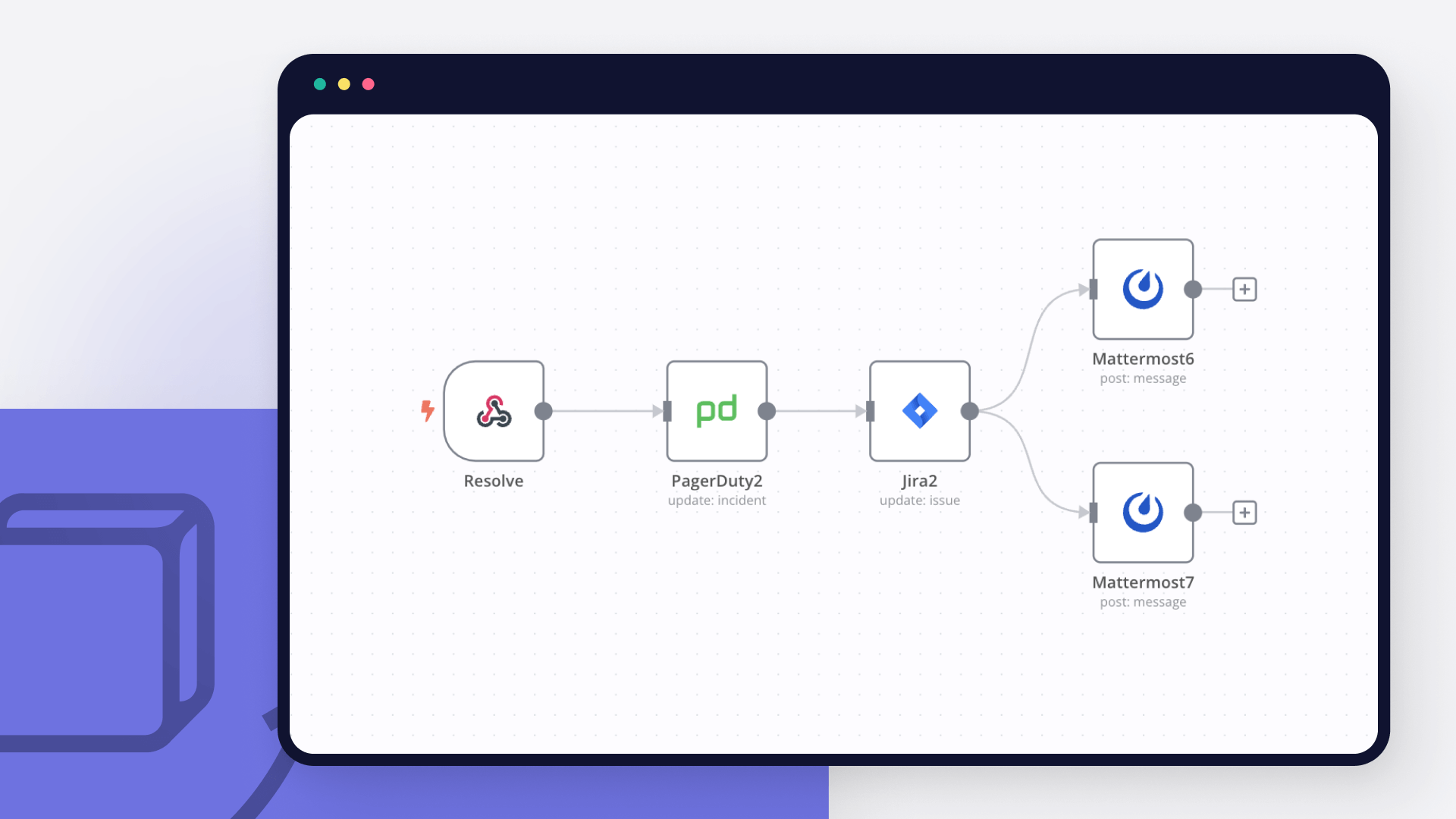
Jira Software and Mixpanel integration: Create a new workflow and add the first step

Automate IT support with Telegram voice to JIRA tickets using Whisper & GPT-4.1 Mini

🎧 IT Voice Support Automation Bot – Telegram Voice Message to JIRA ticket with OpenAI Whisper > Automatically process IT support requests submitted via Telegram voice messages by transcribing, extracting structured data, creating a JIRA ticket, and notifying relevant parties. πŸ§‘β€πŸ’Ό Who’s it for Internal teams that handle IT support but want to streamline voice-based requests. Employees who prefer using mobile/voice to report incidents or ask for support. Organizations aiming to integrate conversational AI into existing support workflows. βš™οΈ How it works / What it does A user sends a voice message to a Telegram bot. The system checks whether it’s an audio message. If valid, the audio is: Downloaded Transcribed via OpenAI Whisper Backed up to Google Drive The transcription and file metadata are merged. The merged content is processed through an AI Agent (GPT) to extract structured request info. A JIRA ticket is created using the extracted data. The IT team is notified via Slack (or other channels). The requester receives a Telegram confirmation message with the JIRA ticket link. If the input is not audio, a polite rejection message is sent. πŸ“Œ Key Features Supports voice-based ticket creation Accurate transcription using Whisper Context-aware request parsing using GPT-4.1 mini Fully automated ticket creation in JIRA Notifies both IT and the original requester Cloud backup of original voice messages (Google Drive) πŸ› οΈ Setup Instructions Prerequisites | Component | Required | |----------|----------| | Telegram Bot & API Key | βœ… | | OpenAI Whisper / Transcription Model | βœ… | | Google Drive Credentials (OAuth2) | βœ… | | Google Sheets or other storage (optional) | ⬜ | | JIRA Cloud API Access | βœ… | | Slack Bot or Webhook | βœ… | Workflow Steps Telegram Voice Message Trigger: Starts the flow when a user sends a voice message. Is Audio Message?: If false β†’ reply "only voice is supported" Download Audio: Download .oga file from Telegram. Transcribe Audio: Use OpenAI Whisper to get text transcript. Backup to Google Drive: Upload original voice file with metadata. Merge Results: Combine transcript and metadata. Pre-process Output: Clean formatting before AI extraction. Transcript Processing Agent: GPT-based agent extracts: Requester name, department Request title & description Priority & request type Submit JIRA Request Ticket: Create ticket from AI-extracted data. Setup Slack / Email / Manual Steps: Optional internal routing or approvals. Inform Reporter via Telegram: Sends confirmation message with JIRA ticket link. πŸ”§ How to Customize Replace JIRA with Zendesk, GitHub Issues, or other ticketing tools. Change Slack to Microsoft Teams or Email. Add Notion/Airtable logging. Enhance agent to extract department from user ID or metadata. πŸ“¦ Requirements | Integration | Notes | |-------------|-------| | Telegram Bot | Used for input/output | | Google Drive | Audio backup | | OpenAI GPT + Whisper | Transcript & Extraction | | JIRA | Ticketing platform | | Slack | Team notification | Built with ❀️ using n8n

Build your own Jira Software and Mixpanel integration

Create custom Jira Software and Mixpanel workflows by choosing triggers and actions. Nodes come with global operations and settings, as well as app-specific parameters that can be configured. You can also use the HTTP Request node to query data from any app or service with a REST API.

Jira Software supported actions

Supported methods for Mixpanel

Delete
Get
Head
Options
Patch
Post
Put

To set up Mixpanel integration, add the HTTP Request node to your workflow canvas and authenticate it using a generic authentication method. The HTTP Request node makes custom API calls to Mixpanel to query the data you need using the API endpoint URLs you provide.

Requires additional credentials set up

Use n8n's HTTP Request node with a predefined or generic credential type to make custom API calls.

Jira Software and Mixpanel integration details

Jira Software

Jira is a unique project management tool for software developers that started as an issue tracking platform. Jira Software offers the same features of Jira Core, and also includes additional Agile functionalities.

Mixpanel

Mixpanel is a powerful analytics platform that helps businesses track and analyze user interactions with their websites and mobile applications. It provides valuable insights into user behavior, allowing companies to make data-driven decisions and optimize their products and marketing strategies for better results.

Other integrations with Jira Software and Mixpanel

Save engineering resources

Reduce time spent on customer integrations, engineer faster POCs, keep your customer-specific functionality separate from product all without having to code.

Learn more

FAQ about Jira Software integrations

Looking to integrate Slack and VirusTotal in your company?

Three colleagues talking around laptops at a shared desk

Trusted by teams building smarter workflows.

Why

Why use n8n to integrate Jira Software with Mixpanel

Handle branching, merging and iteration easily. Pause your workflow to wait for external events.

Re-run single steps to test changes in no time. And pin your data to avoid generating trigger events every time you execute.

Your data is displayed alongside your settings, making edge cases easy to track down.

Use 1000+ workflow templates available from our core team and our community.

Copy and paste, easily import and export workflows.

Simple enough to 
understand + sophisticated 
enough to ship

Man in a brown jacket working at his desk by a window